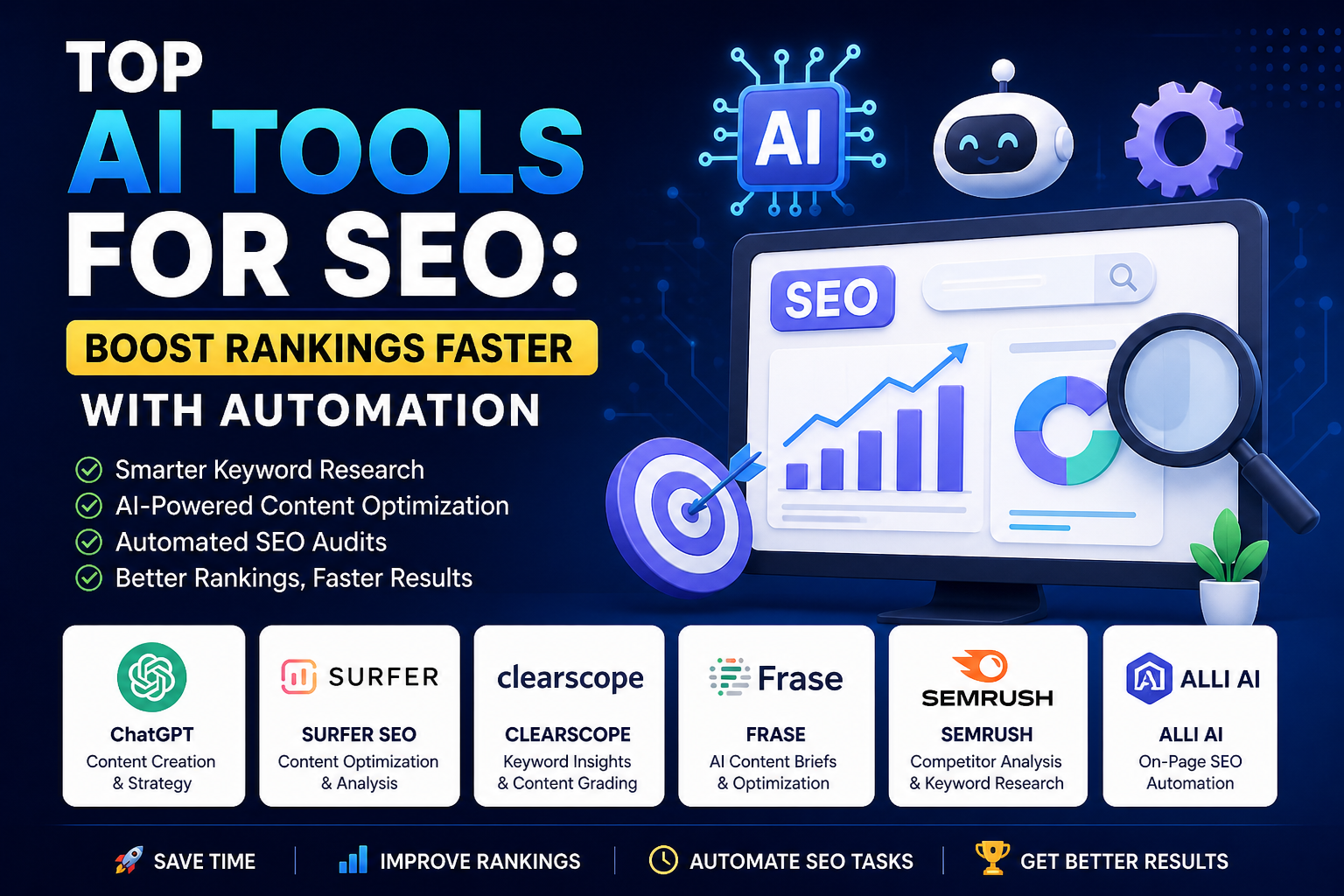
Future-Proofing Your SEO Workflow With Advanced Automation

Perfect for solo operators, online marketers, and non-technical teams. Zapier is my go-to for automating daily jobs like syncing kind submissions, copying data, or sending follow-ups., simply select your apps, define the flow, and let Zapier do the rest. The AI assistant makes things even easier: I explained a standard flow in plain language, "when someone submits a form, send a thank you email," and it quickly developed a working Zap utilizing Google Forms and Gmail.
Where Zapier wins is its ecosystem. The Templates area is complete of prebuilt automations that work out of the box. Just fine-tune the actions and you're up and running.
It worked effortlessly with other apps, creating a smooth handoff throughout platforms. And if a linked app alters its API, some Zaps might break without warning.
Zapier Tables can deal with structured data and auto-calculationsZapier abide by personal privacy requirements like GDPR and CCPAQuick to produce Zaps with natural-language directions Can get pricey with scaleAPI changes might trigger concealed errors Complimentary strategy with 100 tasks/month, 2-step Zaps, AI featuresPaid plans start from, billed monthly Lindy is an AI teammate that connects to your work apps and deals with tasks you provide it in natural language.
Improving SEO Performance Using Automation
Lindy. You tell it what you require done, link the apps it requires, and it works across those tools to finish the task. That makes it quite various from platforms like Zapier or Make, where you typically develop the automation action by action. Lindy can work from a natural-language request, usage context from your connected tools, and ask for approval before taking actions that affect something outdoors your work space.
I checked this with a task I deal with frequently. I develop internal documents and get comments from our technical team when terms needs fixing.
It found the remarks, understood the requested edits, and made the changes in the document. That test showed where Lindy fits into automation software application. I didn't require to create triggers, actions, branches, or map fields in between steps. I explained the result and offered Lindy access to the pertinent app. I tried something comparable with Slack.
Comparing Old SEO Methods to Modern Systems
After about a minute, it could access Slack, read messages, and help react from there. Lindy can, join and reference conferences, run recurring tasks on a schedule, and utilize shared context throughout a group. It likewise features 40+ ready-to-use skills for jobs like research study, data analysis, decks, and control panels.
You might ask it to capture you up on Slack and e-mail, prepare for a meeting, upgrade a CRM, draft a reply, or run a repeating report without building each task as a conventional workflow. There are still trade-offs., so tasks including research, numerous apps, or big outputs can consume your allowance quicker.
Low learning curve for non-technical usersSOC 2, GDPR, and PIPEDA compliance for controlled industries, with HIPAA and a signed BAA on the Business planApproval manages before external actions Complicated work can consume credits quicklySome jobs need a few versions A 7-day complimentary trial with all the capabilities of the Plus planPaid plans from, billed regular monthly templates Make lets you develop workflows and AI automations by linking apps on a visual canvas. I tested it with a simple workflow that saw Google Sheets for brand-new rows and after that sent an e-mail through Gmail. Adding the apps was straightforward. I picked Google Sheets Watch New Rows, connected my account, chose the spreadsheet, and then added Gmail as the next module. The setup became less obvious when I got to mapping information in between the apps.
Optimizing Automated SEO Tactics for 2026
I eventually got Google Sheets to choose up the brand-new row, so the trigger itself worked. Gmail returned a validation mistake for one of the configured specifications when I ran the full situation. That amounts up the Make experience quite well for me. The visual home builder makes complex workflows simpler to comprehend, however it does not eliminate the requirement to comprehend how each step passes information to the next.
Make has actually likewise expanded well beyond traditional workflow automation. Maia can develop and fix automations from natural-language directions, although the Maia access on my account had actually expired when I tried it. Make also now supports recyclable AI Agents, an MCP Server and Client, AI-assisted information mapping, and Make Code for running custom-made JavaScript or Python inside workflows.